

QR Code Scanner & Logo Maker
Barcode reader & QR generator
Scan any QR code or barcode in a second, and make QR codes that look like your brand, with your own logo, colours and rounded corners.

QR Code Maker screenshots
QR Code Maker features
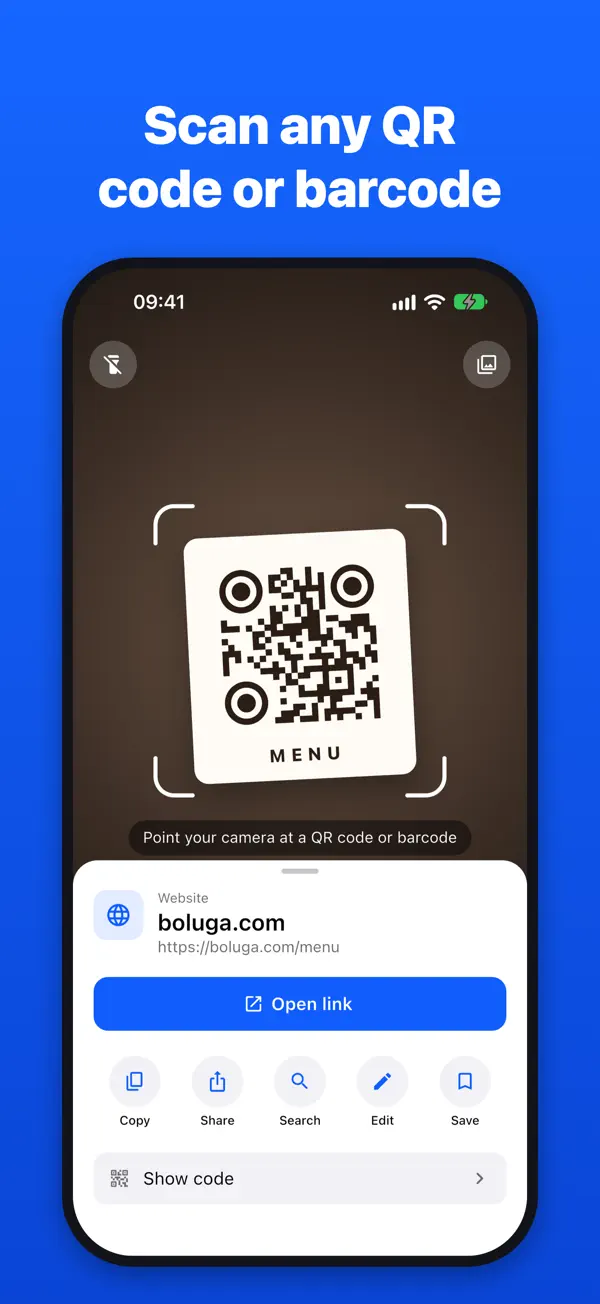
Scan QR codes and barcodes
- Point your camera and codes are read automatically
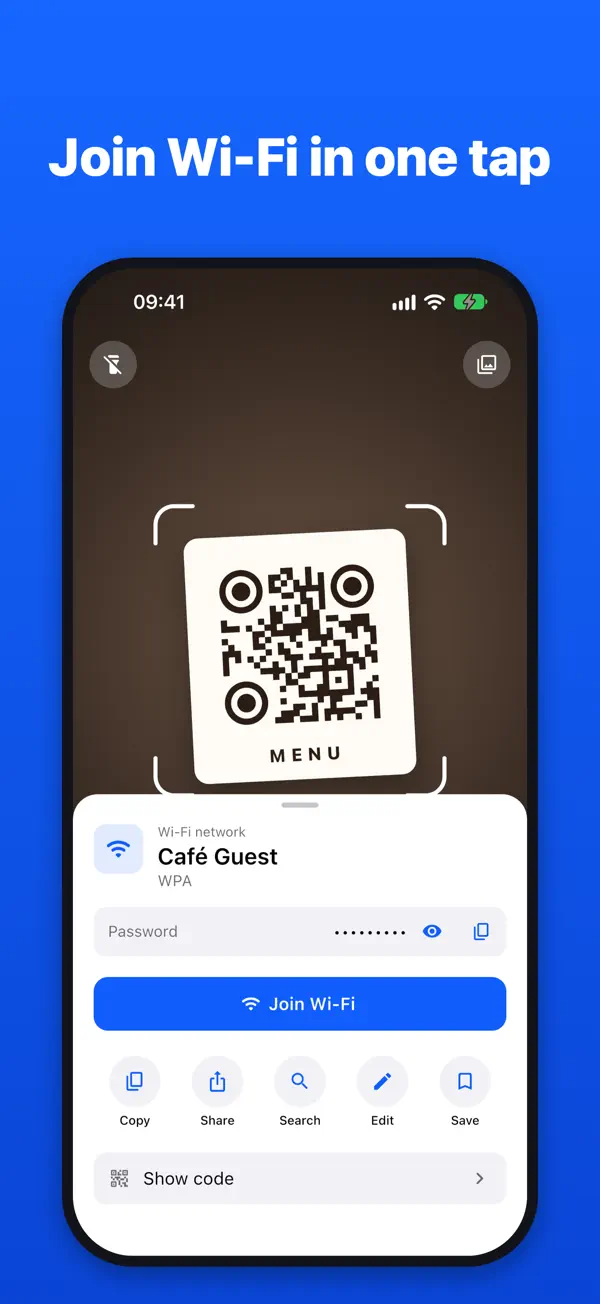
- Open links, join Wi-Fi networks, call numbers and send messages straight from a scan
- Scan from a photo in your library, with a torch for dark places
- Search Google or Amazon for what you scanned in one tap
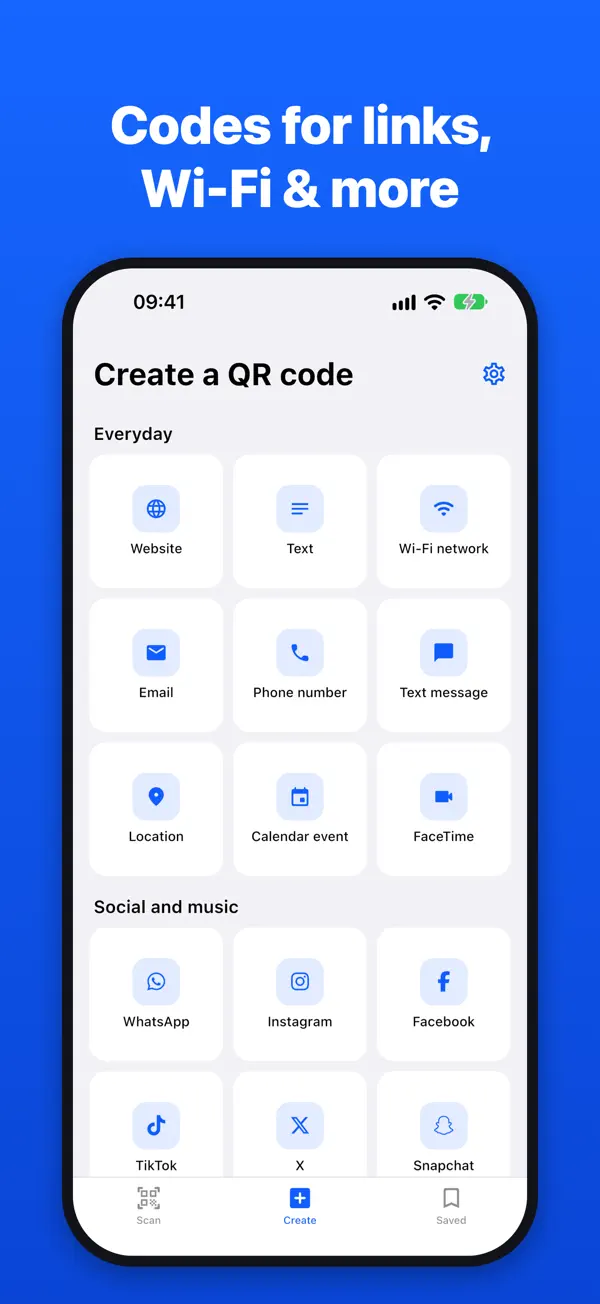
Make QR codes for almost anything
- Websites, text, phone numbers, email and text messages
- Wi-Fi networks, so guests can join without typing a password
- Locations, calendar events, and social and messaging apps
- Spotify songs, albums, artists and profiles
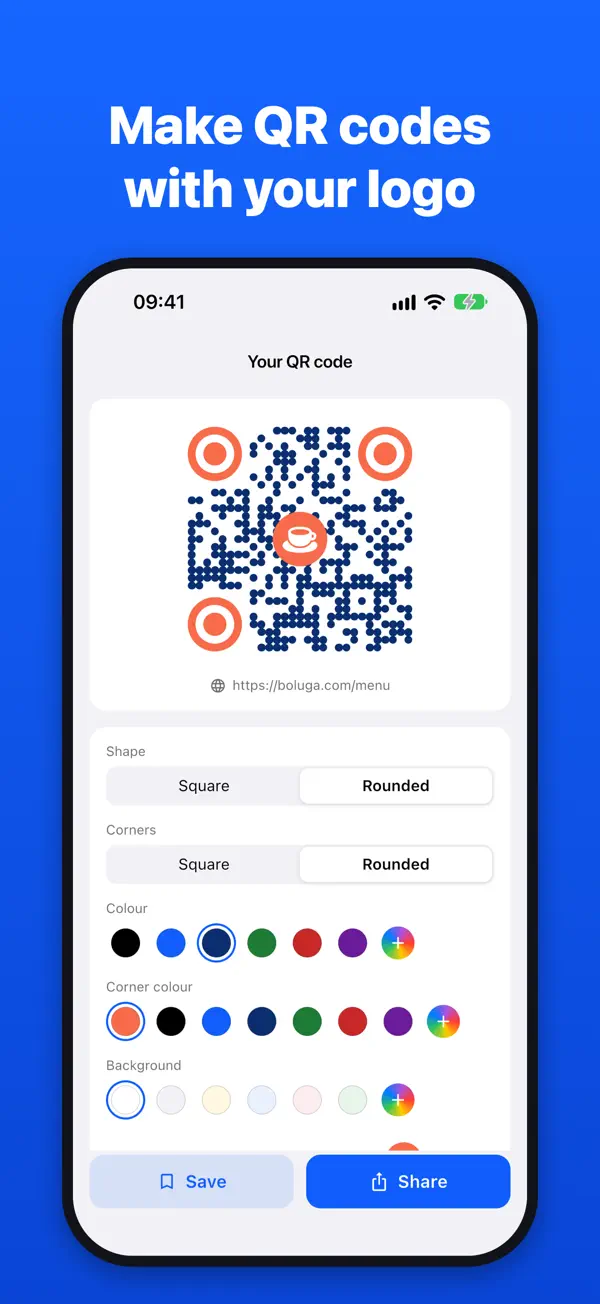
Design it your way
- Put your logo or a photo in the middle of the code
- Pick separate colours for the code, the corners and the background
- Choose rounded or square shapes, and share a crisp, high-resolution image
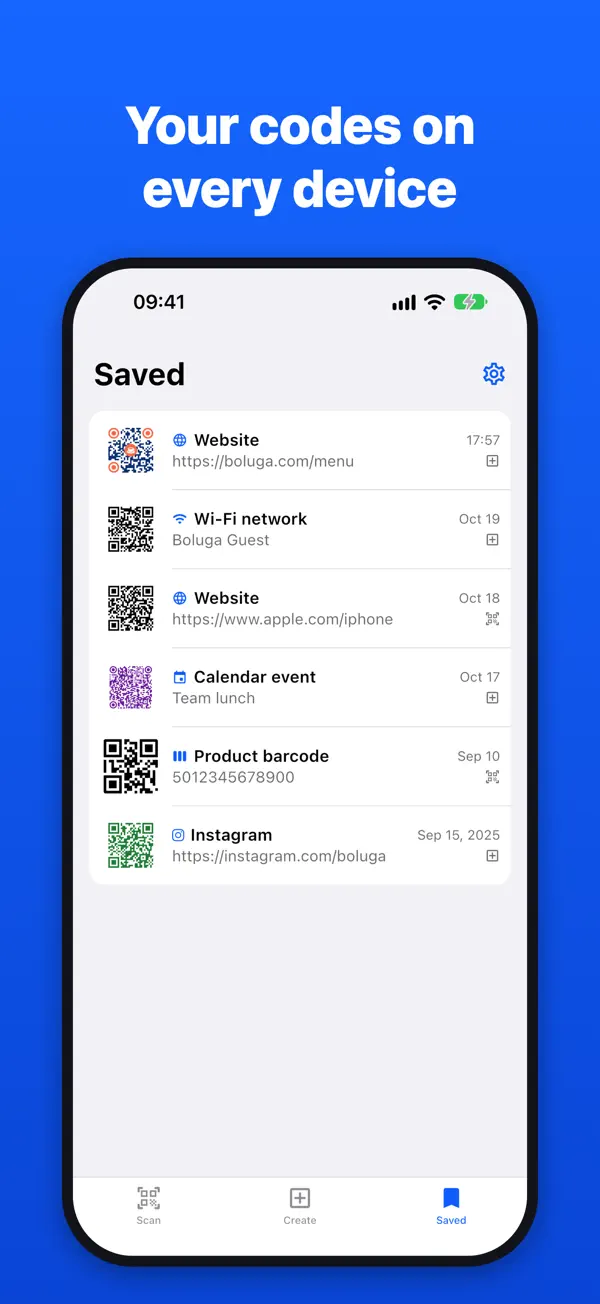
- Sign in to keep your codes on all your devices
QR Code Maker pricing
Everything is free for your first 3 days. After that, scanning and designing stay free, and an Unlock Everything subscription (weekly, monthly or yearly) keeps searching, editing, saving and sharing unlimited. No ads.
QR Code Maker questions
Is QR Code Scanner & Logo Maker free?
Everything is free for your first 3 days. After that, scanning and designing QR codes stay free, and an Unlock Everything subscription (weekly, monthly or yearly) keeps searching, editing, saving and sharing unlimited. There are no ads.
Can I put my logo in a QR code?
Yes. Put your logo or a photo in the middle of the code, choose separate colours for the code, corners and background, and pick rounded or square shapes.
Can it scan barcodes as well as QR codes?
Yes. It reads QR codes and all common barcode formats, from your camera or from a photo in your library.
Can I share my Wi-Fi with a QR code?
Yes. Make a Wi-Fi QR code and guests can join your network without typing the password. The app can also join Wi-Fi networks straight from a scan.
What kinds of QR code can I make?
Websites and links, text, phone numbers, email and text messages, Wi-Fi networks, locations, calendar events, FaceTime, WhatsApp, Telegram, Viber, Instagram, Facebook, TikTok, Snapchat, X and Spotify.